



Why Are Google Devices Worth a Fresh Look in 2026?
If you are checking google devices in 2026, this is not just a Pixel phone decision anymore. You are deciding whether your phone, watch, earbuds, tablet, camera, speaker, and home controls should sit in one daily setup. For more device coverage and buying context, visit the Devices section.
The timing is worth noting. As of July 2026, Google’s own Store phone page is already sending buyers toward the next Made by Google event, with Pixel 11 pre-orders listed for August 12. The same page also mentions Pixel Drops for phones, earbuds, and watches, plus Pixel Watch 4 pairing and Pixel Buds features with Gemini. That shows the direction clearly enough: Google wants buyers to count software updates as part of the value, not only the yearly hardware change. (store.google.com)
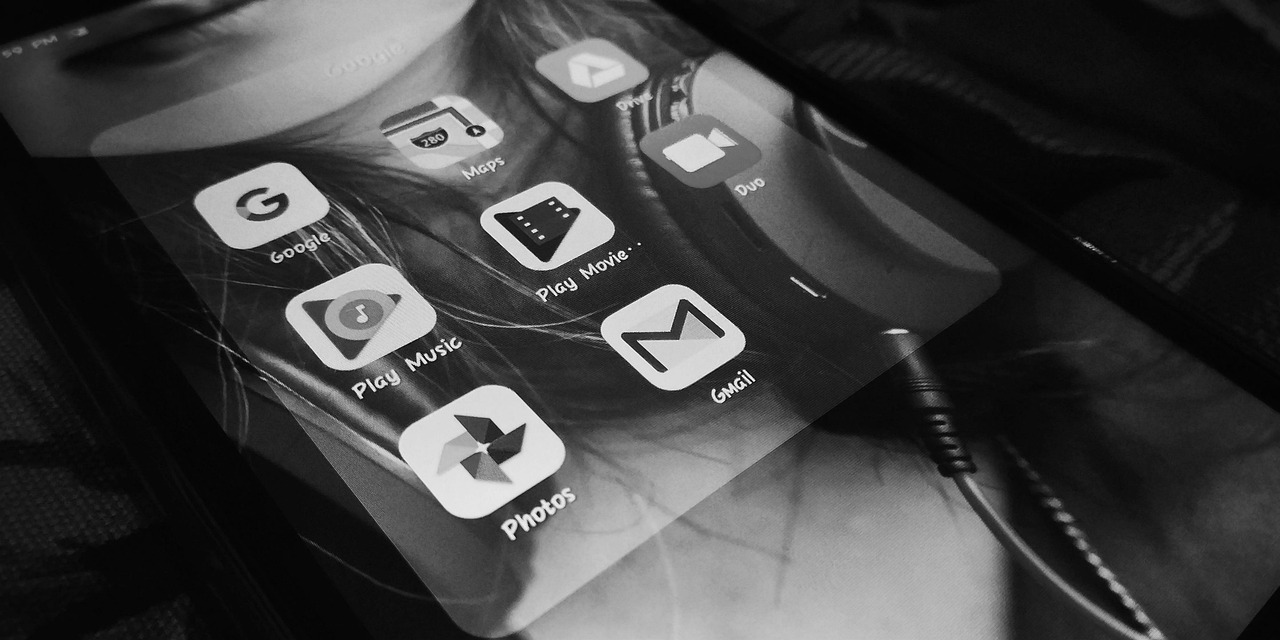
A Connected Daily Setup
Google devices make the most sense when you use more than one of them. A Pixel phone can become the main control point for your watch, earbuds, smart home gear, photos, passwords, and Google services. It saves small pieces of time during the day, and those pieces do add up. You feel it when a doorbell alert shows up while the TV is on, or when earbuds move over before a work call.
A Software-First Buying Decision
Hardware still counts. Nobody wants poor battery life, weak signal, or a screen that is hard to see outside. Even so, Google’s main selling point is software. Pixel Drops, Gemini features, camera tools, call help, and security updates can keep a device feeling current after the first few months. That matters if you usually keep a phone for three or four years.
A Smaller but Serious Market Player
Google is not the largest phone maker in the United States. StatCounter’s June 2026 mobile vendor data showed Google at 4.68% of U.S. mobile vendor share by page views, behind Apple and Samsung. Omdia also reported in May 2026 that Google’s U.S. smartphone shipments fell 7% year over year in Q1 2026, even with carrier promotions supporting Pixel demand. So the read is practical: Pixel is still a smaller brand, but it is big enough to be part of the buying discussion. (gs.statcounter.com) (businesswire.com)
Which Google Devices Matter Most Right Now?
The right Google device depends on the job you need it to handle. A phone is the base. A watch adds health tracking, quick replies, and home alerts. Earbuds cover calls, travel, and focused work. A tablet fits well on a kitchen counter or desk. Nest devices are for cameras, doors, sound, and home controls. It looks like a long list, but the real question is which part of your day needs less friction.
Pixel Phones as the Main Hub
Start with the phone if you want the cleanest setup. Pixel phones get Google’s camera tools first, pair quickly with Pixel Buds, control Google Home gear, and sync well with Google services. If Gmail, Maps, Photos, YouTube, and Drive are already part of your day, a Pixel phone removes a few common setup issues. It is not magic; it is just fewer small problems to deal with.
Pixel Watch for Health and Quick Actions
Pixel Watch fits people who want quick help without taking out the phone every time. Timers, messages, wallet taps, workout tracking, turn-by-turn walking directions, and doorbell alerts are the basic use cases. Google’s Store page presents Pixel Watch 4 as a companion that can control the camera, help find or unlock a phone, and show who is at the door when paired with a Pixel phone. That is useful if you already plan to use a Pixel phone as your main device. (store.google.com)
Pixel Buds and Tablet for Daily Comfort
Pixel Buds are mainly for calls, commuting, focused work, and hands-free help. They make more sense if you move between meetings, messages, and audio during the day. Pixel Tablet is more like a shared home screen than a full laptop replacement. It works well for recipes, video calls, smart home controls, music, and quick web checks. If you run heavy work apps, a Chromebook or laptop is still the safer choice.
How Do Google Devices Compare With Apple and Samsung?
Most buyers compare Google with Apple and Samsung, which is a fair way to shop. Apple has better retail reach, resale value, and a large accessories market. Samsung offers more Android choices, from budget phones to foldables. Google sits in a narrower lane: clean Android, quick feature rollouts, good cameras, and close links to Google services.
Pixel Versus iPhone for Everyday Users
If your family uses iMessage, FaceTime, AirPods, and Apple Watch, moving to Pixel can feel like changing apartments. The rooms are familiar, but the drawers are in different places. Pixel becomes easier to justify if you care more about Google Photos search, voice typing, call screening, Android freedom, and quick point-and-shoot camera processing. In that case, the switch is less about specs and more about daily habits.
Pixel Versus Galaxy for Android Buyers
Samsung gives you more hardware options. You can buy a foldable, a stylus phone, or a lower-priced A-series model. Pixel gives you a cleaner version of Android and Google-first features. For many Android buyers, the choice is not about finding the “best phone ever.” It is about whether you prefer Samsung’s loaded feature set or Google’s cleaner style.
Market Data Behind the Competition
The phone market is not in an easy cycle. IDC reported in June 2026 that global smartphone shipments fell 2.9% year over year to 293.8 million units in Q1 2026, ending a 10-quarter growth run. IDC also pointed to memory costs and higher average selling prices as market pressure. For buyers, this means deal timing, trade-ins, and carrier offers matter more than usual. (idc.com)
Are Nest and Home Devices Still a Smart Buy?
Nest gear is where Google devices move from your pocket into the house. Cameras, doorbells, speakers, displays, thermostats, and home controls can make daily routines easier to manage. The catch is simple: smart home gear should be boring in the right way. It should work when you are tired, when Wi-Fi is busy, and when a package arrives during dinner.
Nest Cameras and Doorbells for Security
Google’s latest Nest Cam and Doorbell lineup is built around home monitoring, privacy notices, and easier setup. In Google’s October 2025 product announcement, the company said new cameras use encrypted video by default, two-step verification through a Google Account, and a visible green LED when processing or streaming video. The new Nest Cam Indoor was listed at $99.99, Nest Cam Outdoor at $149.99, and Nest Doorbell at $179.99. These prices make the range easy to compare with other home security options before you add any subscription cost. (blog.google)
Speakers and Displays for Shared Spaces
Smart speakers and displays are useful in kitchens, bedrooms, and entry areas. You can ask for weather, play music, run timers, control lights, or check a camera. These are small tasks, but they are the tasks people repeat every day. A display near the kitchen sink is not fancy, but it helps when your hands are covered in flour.
Matter Support and Mixed Homes
If you buy smart bulbs, plugs, locks, or sensors, check Matter support and Google Home compatibility before paying. Mixed homes are common now. One household might use an iPhone, a Pixel, a Samsung TV, and a Nest Doorbell. In that setup, compatibility matters more than brand loyalty. If a device needs a separate app forever, it is worth slowing down before you buy. See also: AI.
What Should You Check Before Buying Google Devices?
Buying into any ecosystem should be a measured decision, not a rushed one. Prices move quickly around summer events, back-to-school promos, Black Friday, and carrier trade-in windows. A $200 discount can change the answer. Storage, repair cover, update promises, and old accessory support can change it too.
Update Policy and Long-Term Support
Check the update policy for the exact model you want. Do not assume every Pixel, Buds, Watch, Tablet, or Nest product gets the same support period. Phones usually get the most attention, but earbuds and smart home devices also need firmware updates. If you plan to keep the gear for years, support matters more than the launch color.
Compatibility With Your Current Gear
Before buying, write down what you already own: laptop, phone, TV, router, smart lights, doorbell, watch, earbuds, and cloud storage plan. This quick list can save you from buying something that does not fit your home. If half of your setup runs on Apple services, a full switch may become annoying. If you already use Android and Google Home, adding Pixel Buds or a Nest device usually feels simpler.
Total Cost After Accessories
The sticker price is not the whole cost. Add a case, charger, watch band, screen protector, Nest subscription if needed, extra storage, and possible protection coverage. Phones can look cheaper than they are once the cart is complete. A real cart gives you a better answer than a headline discount.
Who Should Buy Google Devices and Who Should Wait?
Google devices fit people who want a Google-centered setup without much tinkering. They are not the best match if you need the widest hardware range, the highest resale value, or a very specific pro feature. Waiting can also help, especially with the next Made by Google event dated for August 12, 2026 on the Google Store phone page.
Best Fit for Google Service Users
You are the target buyer if Google services already run much of your day. Pixel photos back up where you expect. Calendar alerts land in the right place. Maps, Wallet, YouTube, Gmail, and Assistant-style voice features feel normal. In that case, the ecosystem feels less like a brand decision and more like putting your tools in the same drawer.
Best Time to Buy or Wait
If your phone is broken, buy the model that fixes the problem. There is no need to overthink it. If you can wait a few weeks, watch major Google events and carrier promos. When new Pixel phones arrive, older models often get better prices. The better deal is usually a recent model with long support left and a real discount, not a no-name marketplace offer.
Clear Reasons to Skip
Skip or pause if you need iMessage, Apple Watch, very high resale value, or a specific Samsung-only feature. Also pause if you cannot confirm support in your country. Public, reliable model-by-model sales data for every Google watch, earbud, tablet, and Nest device is not widely available. For that reason, online noise should not be treated as proof that a product line will stay strong for years.
FAQ
Q1: Are Google Devices Good for Long-Term Use? A: Yes, especially if you choose current Pixel and Nest models with clear update support. Check the exact model before buying because support periods can differ.
Q2: Should You Buy a Pixel Phone Before Pixel 11? A: If you need a phone now, a discounted Pixel 10 model can still make sense. If your current phone works, waiting until after the August 12, 2026 Pixel 11 pre-order date may help you compare prices.
Q3: Do Google Devices Work Well With iPhones? A: Some do, but the best experience is usually with Android and Google services. Nest devices can fit mixed homes, while Pixel Watch and Pixel-first features favor Android users.
Q4: Are Nest Cameras Worth Buying in 2026? A: They can be, if you want Google Home control, door alerts, and privacy features such as visible camera status lights. Always check subscription needs before purchase.
Q5: What Is the Best First Google Device to Buy? A: A Pixel phone is the best starting point for most people. If you already like your phone, start with Pixel Buds or a Nest Doorbell for a smaller step into the ecosystem.