


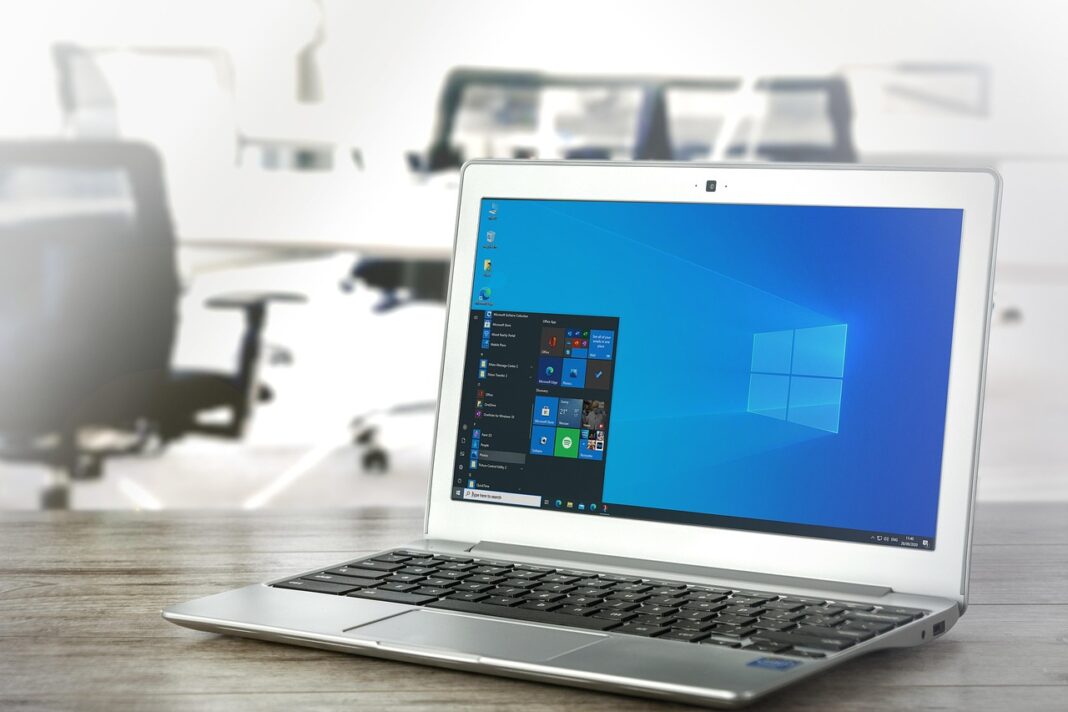

What Is System Software?
System software is the base layer that helps hardware, applications, networks, and users work together without someone having to handle every step by hand. If you read the Software section at RoadsNews, this is one layer worth checking often because it touches almost every device in daily use, from a phone to a cloud server.
Operating Systems Run the Daily Base
An operating system handles memory, files, processors, user accounts, and security permissions. Windows, macOS, Linux, Android, and iOS are common examples that most teams already know. StatCounter Global Stats reported in July 2026 that Windows held 71.18% of the worldwide desktop operating system market, while Linux reached 7.53%. That number will not match every office or factory floor, but it shows how a few platforms still carry a large part of daily computing work.

Drivers and Firmware Connect Real Hardware
Drivers tell an operating system how to work with printers, graphics cards, Wi-Fi chips, scanners, keyboards, and storage devices. Firmware sits closer to the hardware and often stays out of sight until there is a fault. Most users only notice this layer when a laptop will not wake from sleep, a scanner drops jobs, or a storage controller fails after a patch. In many support cases, the problem looks like an app issue at first, but the cause is lower down.
Utilities and Runtimes Keep Work Moving
Backup tools, disk utilities, command shells, language runtimes, container engines, and monitoring agents also sit inside the wider system software group. They do not get much attention in daily meetings, but they carry a lot of normal IT work. A developer may need the right runtime to ship code, while an admin may need a working backup tool to restore a server. For a remote employee, one small sign-in agent can decide whether work starts on time or turns into a support ticket.
Why Does System Software Matter for Cost, Speed, and Scale?
System software is often treated like background plumbing, but IT budgets show how much depends on it. Gartner’s July 2026 worldwide IT spending forecast estimated total IT spending at $6.369 trillion in 2026, with software spending at $1.468 trillion and 15.5% annual growth. A large part of that spend only works well when the platforms under business apps are stable and maintained.
Hidden Layers Create Visible Costs
Slow boot times, driver conflicts, patch failures, and unsupported operating systems soon become support tickets, overtime, replacement projects, and user complaints. The app may get blamed first because that is what people see on the screen. In many cases, the real cause sits in the system layer. A sales team losing ten minutes every morning because of login trouble is not talking about kernels, but the company is still paying for weak system software management.
Standard Platforms Cut Support Noise
Fewer operating system builds, fewer driver versions, and clean device images make support work easier. This does not mean every team has to use the same machine or the same setup. It means the business needs clear baselines that people can find and follow. A finance laptop, warehouse tablet, design workstation, and cloud node may need different builds, but each one should be known, documented, and patched on a set schedule.
Cloud and Devices Share the Same Problem
The same rule applies to cloud work. Virtual machines, hypervisors, container hosts, runtime libraries, and base images all need regular care. A web service can be written well and still fail because the host image is old or the runtime has a known flaw. The dashboard may look neat, but the base still decides whether the service stays up.
Which Security Risks Come from the System Layer?
Security risk rises when system software has deep access and runs across many machines. ENISA’s Threat Landscape 2025 reviewed 4,875 incidents from July 1, 2024, to June 30, 2025, and described threat groups reusing tools, exploiting vulnerabilities, and targeting digital infrastructure. That matters for buyers and IT teams because a system-level flaw can move quickly once it is exposed.
Kernel Access Raises the Stakes
Software that runs near the kernel can protect a device, but it can also bring the device down if an update fails. This is why testing and rollout control matter so much at the system layer. Microsoft’s official blog said on July 20, 2024, that a CrowdStrike update affected 8.5 million Windows devices, less than one percent of all Windows machines. The percentage sounded low, but the field impact was serious because many affected machines supported airlines, hospitals, banks, and other critical services.
Old Versions Become Business Risk
Old system software does not become useless in one day, but support dates cannot be ignored. Microsoft Learn states that Windows 10 version 22H2 reached end of support on October 14, 2025, and affected editions no longer receive security updates after that date. If an older platform has to stay in use for a special machine, the reason should be written down. The same plan should include network limits, backups, security controls, and a clear move-off date.
Vulnerability Volume Needs Triage
NIST says the National Vulnerability Database is a repository of software and hardware flaws that can compromise computer security. In an April 2026 update, NIST reported that CVE submissions increased 263% between 2020 and 2025, while submissions in the first three months of 2026 were nearly one-third higher than the same period in 2025. With that much volume, random patching is not a safe plan. Teams should handle internet-facing systems, actively exploited flaws, critical software, and assets holding sensitive data before lower-risk items. See also: AI.
How Should You Choose and Manage System Software?
Choosing system software is not just a brand discussion. The real question is whether the platform fits the hardware, staff skills, security needs, and product roadmap. A cheap setup can become expensive when drivers are poor, updates break daily work, or every fix needs weekend support.
Fit Comes before Features
Start with fit in the real working environment. The right platform should match the device, workload, support team, and risk level. A warehouse scanner needs solid driver support more than a polished desktop interface. A database server needs stable storage and planned patching, while a developer workstation needs strong runtime support and quick recovery when test work goes wrong.
- Check vendor lifecycle dates before rollout.
- Confirm driver support for every key device model.
- Match admin tools with the skills your team already has.
- Review compliance needs before data touches the system.
- Test backup and restore, not just installation.
Updates Need Safe Rollout
NIST SP 800-218, the Secure Software Development Framework, recommends secure practices that reduce vulnerabilities, limit the impact of hidden flaws, and address root causes. For buyers and admins, the same point is easy to apply: test updates before pushing them across the business. No reliable public dataset gives one correct rollout percentage for every company. A small pilot group, a second wider group, and a clear rollback plan are usually safer than sending the same update to everyone at once.
Documentation Makes Recovery Faster
Good documentation feels dull until a system is down and people need answers fast. Keep asset lists, version numbers, license notes, recovery keys, baseline images, and vendor contacts in a place the team can reach during an outage. Screenshots often help more than long policy files. Plain notes also matter, especially when they say which device needs which odd driver or which update caused trouble last time.
FAQ
Q1: Is an Operating System the Same as System Software? A: Not exactly. An operating system is the main type of system software, but drivers, firmware, utilities, runtimes, and hypervisors also belong in the category.
Q2: Why Should a Business Care about System Software? A: It affects security, uptime, device performance, support costs, and app reliability. If the base layer is weak, even a good business app can feel slow or unsafe.
Q3: Can Outdated System Software Still Be Used Safely? A: Sometimes, but only with strict controls. You need isolation, backups, compensating security tools, a support plan, and a clear reason for delaying replacement.
Q4: What Is the Biggest Mistake in Managing System Software? A: Treating it as a one-time setup. Versions, patches, drivers, support dates, and vulnerabilities keep changing, so management has to be ongoing.
Q5: How Often Should You Review System Software? A: Review critical systems monthly, check lifecycle dates at least quarterly, and audit the full environment before major hardware, cloud, or security changes.