



What audio editing software should do now
Choosing audio editing software is no longer just about cutting clips or removing noise. The right choice depends on the job: a podcast interview, a social video, a newsroom recording, a music session, a film mix or a mastering project. In 2026, the market is divided across lightweight editors, full digital audio workstations, transcript-based tools and video suites with advanced audio pages.
The practical question is not which app is universally best. It is which workflow reduces friction while preserving quality, compatibility and control. For more coverage of software trends and tools, visit the Software section.
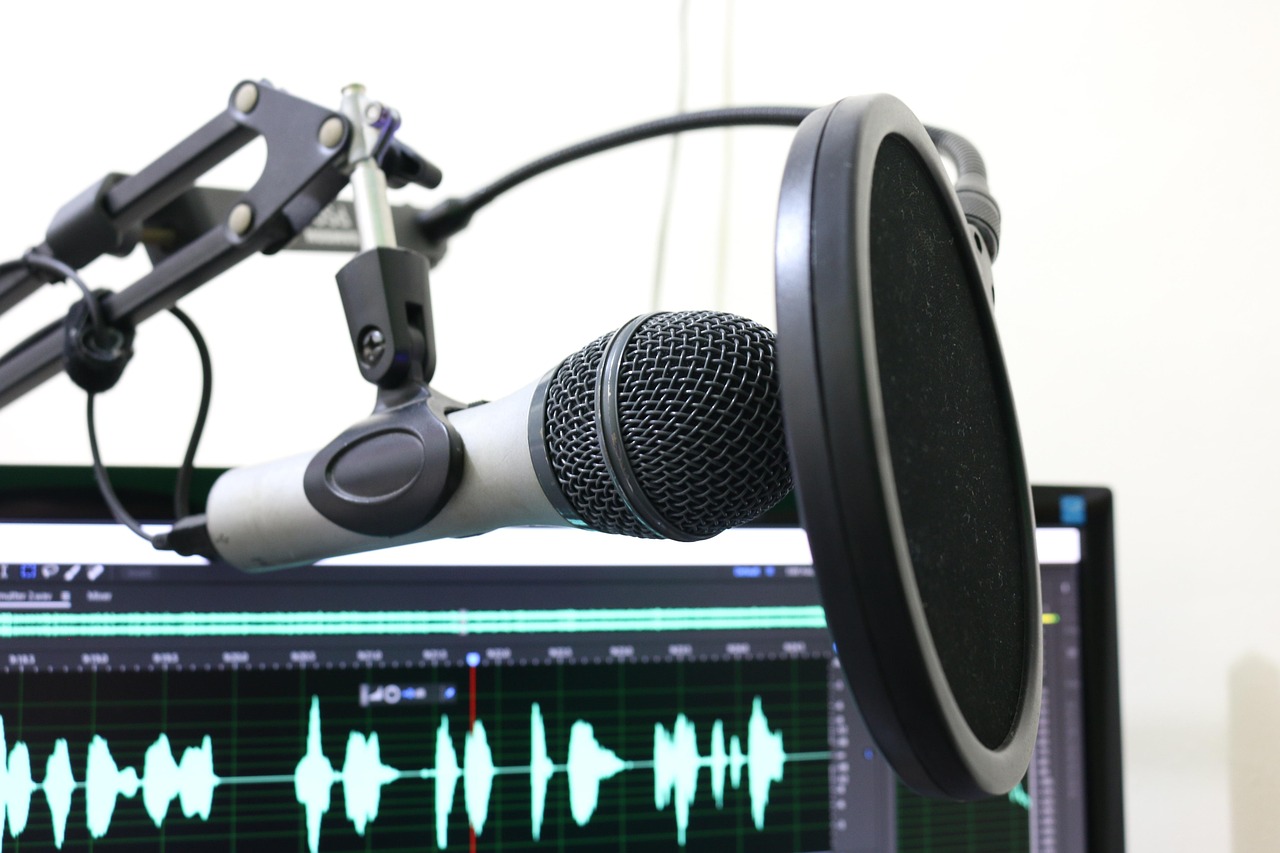
The main categories of audio editing software
Search results for audio editing software often group very different products together. That can be misleading because a waveform editor, a DAW and a transcript editor are built for different tasks. A waveform editor is usually designed for direct file editing, cleanup, trimming and export. A digital audio workstation, often shortened to DAW, is built for multitrack recording, editing, mixing, automation, plug-ins and music production. A transcript-based editor lets users cut spoken audio by editing text. Video post-production suites place audio tools inside a wider editing, color and delivery environment.
For simple voice work, a full DAW may add more complexity than value. For music production or long-form multitrack sessions, a lightweight editor can quickly become limiting. For video teams, the strongest option may be software that keeps picture and sound in the same project. The decision should start with the work being delivered, not with the longest feature list.
| Workflow | Likely software category | Key capability to check | Main limitation |
|---|---|---|---|
| Podcast interviews and narration | Transcript editor or multitrack editor | Noise cleanup, text-based cuts, loudness control | Less control over detailed mixing in simpler tools |
| Music recording and production | DAW | MIDI, instruments, plug-ins, automation, comping | Higher learning curve |
| Video and social clips | Video suite with audio tools | Sync, dialogue cleanup, timeline collaboration | May not replace a dedicated mastering tool |
| Audio repair and mastering | Specialist editor or mastering suite | Spectral repair, batch processing, metering | Often narrow by design |
| Quick file cleanup | Waveform editor | Fast trim, normalize, export, simple effects | Limited arrangement and mix depth |
What changed in the market in 2026
Several 2026 updates show where audio editing software is moving. Official Audacity release notes list Audacity 4.0.0 as current on September 3, 2026, with a rebuilt Qt interface, a new clip editing model and a more flexible recording flow. That matters because Audacity remains a common entry point for free audio editing. A major interface rebuild can affect tutorials, classroom use and long-standing editing habits.
Adobe’s Audition documentation, updated on June 17, 2026, continues to emphasize waveform and multitrack recording, punch-in recording, timed recording and direct-to-file recording. It also notes that some CD authoring features are no longer supported. That is a useful signal for buyers: modern audio editors are increasingly focused on file-based production, online publishing and video workflows rather than legacy disc delivery.
Avid’s 2026.4 Pro Tools materials point toward professional post-production and immersive workflows, including Track Pin, support for MPEG-H immersive mixing, Dolby Headphone Personalization and enhanced Speech-to-Text workflows. Steinberg announced WaveLab 13 on January 28, 2026, with Dolby Atmos mastering and expanded mastering features. Blackmagic Design’s DaVinci Resolve 21 materials describe Fairlight as a timeline where clip and waveform editing can happen in one view, with collaboration through Blackmagic Cloud. Descript’s 2026 product updates highlight Studio Sound, transcript workflows and more automated speech-oriented production features.
The common direction is integration, collaboration and more automation. Automation can speed cleanup, transcription and rough assembly, but it does not replace editorial judgment. The final result still depends on monitoring, room tone, pacing, export settings and quality control.
How to match software to the job
Podcasts and spoken-word production
Podcast editors should prioritize speed, clarity and repeatability. Essential features include multitrack editing, silence handling, noise reduction, loudness metering, batch export and reliable project organization. Transcript editing can help with interview shows because it makes false starts, repeated phrases and off-topic sections easier to find and remove.
Text-based editing still has limits. It can hide audio problems if the editor does not listen through the final cut. Breath spacing, crossfades and room tone still matter. A practical podcast workflow may combine a transcript editor for rough cuts with a DAW or multitrack editor for final cleanup. Teams should also check whether the software exports separate stems, supports common plug-ins and preserves original media. For newsroom or branded content, revision history and collaboration can be as important as effects.
Video, film and social media
Video editors need audio tools that protect sync. Moving a clip by only a few frames can create visible mouth-sync problems, so the software must make linked audio and video easy to manage. DaVinci Resolve’s Fairlight approach shows why integrated audio pages matter: editors can work on sound while staying inside the same project environment used for picture, color and delivery. Adobe users often consider Audition because it fits into a broader Creative Cloud workflow, especially when Premiere Pro is already part of production.
For short-form social video, fast cleanup and captions may matter more than advanced mix features. For documentary, commercial and film work, editors should look for automation lanes, bus routing, surround or immersive options, dialogue editing tools, markers and exchange formats. Collaboration also matters when several people touch the same project.
Music production
Music creators usually need a DAW rather than a basic editor. The priority list changes: low-latency recording, MIDI editing, virtual instruments, comping, arrangement tools, automation, plug-in compatibility and controller support become central. Pro Tools, Logic Pro, REAPER, Ableton Live, Cubase and Studio One are common names in this space, but they are not interchangeable. A songwriter, a recording engineer and a sound designer may all prefer different interfaces.
The safest way to choose is to map the production process. If the work involves live bands, check track management, take comping and hardware routing. If it involves electronic music, check MIDI tools, clip launching and instruments. If it involves commercial studios, check session exchange and compatibility with collaborators. A lower-cost tool can be powerful, but only if it supports the workflow and plug-ins the project requires.
Restoration, mastering and delivery
Audio repair and mastering are specialist tasks. Restoration work may require spectral editing, hum removal, dialogue isolation and careful artifact control. Mastering requires accurate metering, sequencing, format delivery and monitoring decisions. Steinberg’s WaveLab 13 focus on Dolby Atmos mastering illustrates how delivery formats continue to shape professional tools. Not every creator needs those features, but teams delivering music, broadcast or immersive audio should not ignore them.
For mastering, the key question is not whether the software can make audio louder. It is whether it supports the required deliverables, metering standards, export formats and revision process. A tool that is excellent for recording may not be the best environment for final album assembly or high-volume batch processing. See also: AI.
Features worth checking before subscribing or buying
Feature lists are easy to overread. A more useful approach is to test the features that affect daily work. Start with format support. The software should import and export the audio and video formats used by clients, collaborators or publishing platforms. Then test editing speed. Can you cut, fade, slip, ripple, group and label material quickly? Keyboard shortcuts and timeline behavior often matter more over time than a long effects menu.
- Non-destructive editing: The original recording should remain recoverable while edits are stored as project decisions.
- Noise and repair tools: These are useful for dialogue, but they should allow subtle settings to avoid metallic artifacts.
- Multitrack control: Look for grouping, buses, sends, automation and clear routing if projects involve more than one source.
- Plug-in support: Confirm the formats used by existing tools, such as VST, AU or AAX, depending on platform and software.
- Loudness and metering: This is necessary for podcasts, broadcast, streaming and professional delivery.
- Collaboration and exchange: Check shared projects, cloud workflows, AAF, OMF, XML or stem export where relevant.
- System requirements: Newer AI-assisted and immersive features may require newer operating systems, Apple silicon, specific GPUs or additional storage.
Licensing is another practical issue. Subscriptions can provide frequent updates and cloud services, while perpetual licenses can be easier to budget for long-term use. Free tools can be excellent, but organizations should still review update cadence, support, installer sources and policy requirements before deploying them widely.
A practical decision framework
The most reliable way to choose audio editing software is to run a small real-world test. Use a project that represents the actual work: a 30-minute interview, a three-camera video, a music demo, a voiceover with room noise or a mastering sequence. Import the media, perform the core edits, apply cleanup, export the final file and reopen the project later. This reveals problems that feature pages do not show.
Ask five questions during the test. Did the software make common edits faster or slower? Did it protect the original media and make revisions easy? Did the exported file meet the destination’s requirements? Would another editor understand the project structure? Did the software run reliably on the available hardware?
For solo creators, comfort and speed may decide the issue. For teams, consistency, compatibility and documentation carry more weight. For professional post-production, exchange formats, automation depth, monitoring and client deliverables are often decisive. The best choice is the one that fits the production chain from recording to revision to delivery.
Common mistakes to avoid
One common mistake is choosing software only because it is popular in another field. A music DAW may be unnecessary for a weekly interview podcast. A simple editor may be inadequate for a film mix. Another mistake is trusting one-click cleanup without monitoring the result. Aggressive noise reduction can damage speech, remove ambience or create artifacts that become obvious on headphones.
Creators also underestimate file management. Audio projects can include original recordings, proxies, rendered clips, plug-in presets, exported masters and delivery versions. If the software stores files in unexpected folders or depends heavily on cloud sync, teams should define naming and backup rules early. A clean archive is part of professional audio work.
Finally, avoid buying features that sound impressive but do not match the output. Immersive audio, AI voice tools and advanced mastering modules are valuable in the right context. They are distractions if the real need is fast dialogue editing, reliable export and a repeatable publishing workflow.
Frequently asked questions
Is free audio editing software good enough?
Free audio editing software can be good enough for trimming, recording, cleanup and basic production. Audacity is a major example, and its 2026 version 4 release shows that free tools continue to evolve. For professional multitrack mixing, heavy plug-in use, client collaboration or advanced post-production, a paid DAW or specialist suite may be more efficient.
What is the difference between an audio editor and a DAW?
An audio editor usually focuses on editing and processing audio files. A DAW is a broader production environment for recording, arranging, editing, mixing and often MIDI composition. Many modern tools overlap, but the distinction still helps when choosing software for simple cleanup versus full production.
Should podcasters use transcript-based editing?
Transcript-based editing is useful for rough cuts, interviews and fast content review. It is not a replacement for listening. Podcasters should still check pacing, crossfades, room tone, loudness and artifacts before publishing.
Do video creators need separate audio software?
Not always. Video suites with strong audio pages can handle many social, corporate and documentary workflows. Separate audio software becomes more useful when projects require advanced restoration, mixing, mastering, specialized plug-ins or handoff to an audio professional.
What should matter most when choosing audio editing software?
The most important factors are workflow fit, reliability, export requirements, collaboration needs and learning curve. A tool with fewer features can be the better choice if it helps the creator finish clean, consistent audio faster.