



What a USB-C to aux adapter actually does
Many shoppers search for ‘usb c to aux‘ when they need to connect a USB-C phone, tablet or laptop to 3.5mm headphones, a car aux input, a speaker or a wired headset. The key detail is that this adapter is often more than a cable. In many cases, it is a compact USB audio device with a digital-to-analog converter, usually called a DAC, inside. That chip converts digital audio from the USB-C port into the analog signal expected by a 3.5mm plug.
Passive USB-C audio adapters also exist, but they depend on the host device supporting analog audio over USB-C. That support is less dependable on current phones and computers. This difference explains many compatibility problems: a digital adapter can work across more devices because it behaves like a standard USB audio accessory, while a passive adapter may produce no sound, trigger an unsupported-accessory message or fail without a clear warning.
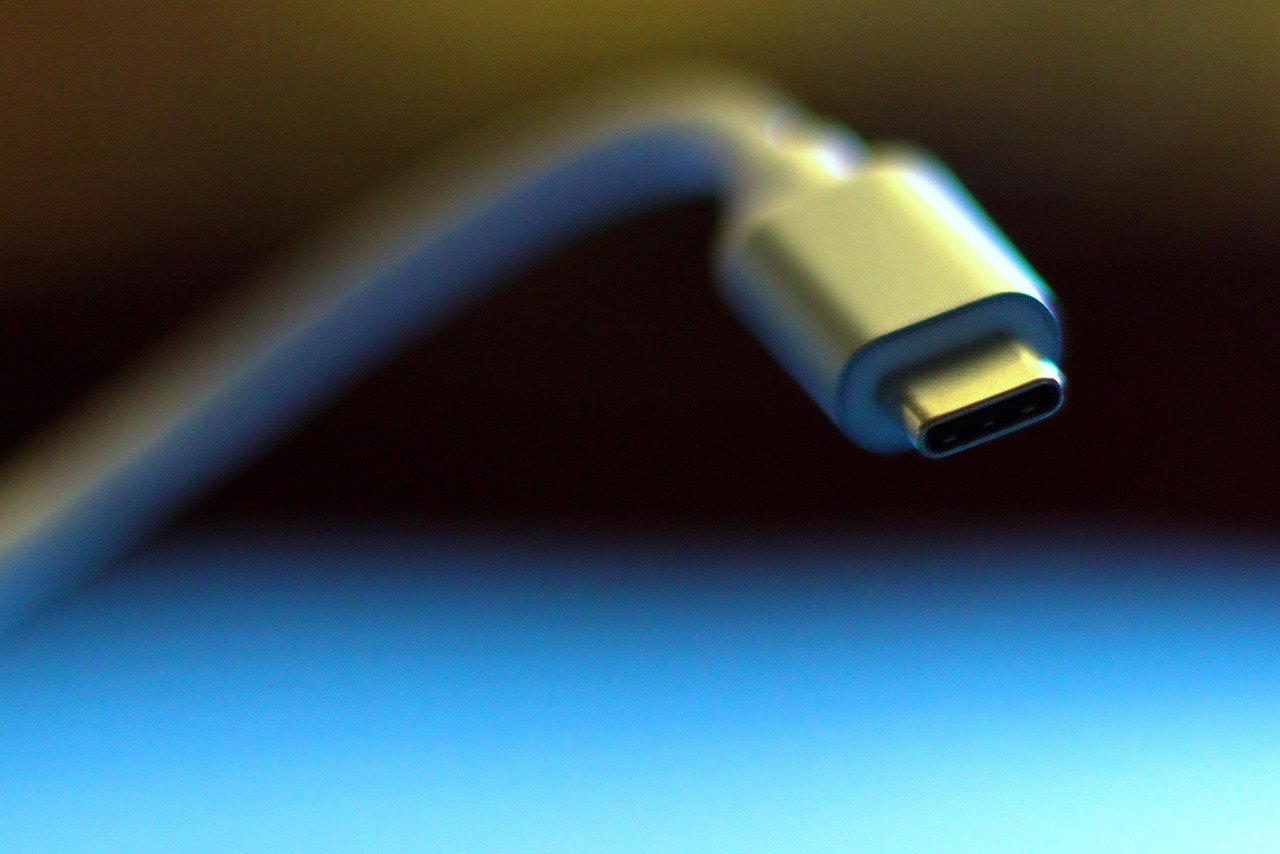
The standards shift behind today’s USB-C audio dongles
The USB-C connector and USB audio are related, but they are not the same standard. USB-C defines the reversible physical connector and associated connection behavior. USB Audio Class defines how a host device communicates with an audio peripheral. USB-IF’s public document library listed USB Type-C Cable and Connector Specification Release 2.5 on April 8, 2026, while USB Audio Devices Release 4.0 and later errata are maintained as separate audio specifications. For buyers, the practical result is simple: a device can have a USB-C port without accepting every kind of USB-C audio accessory.
Digital USB-C to 3.5mm adapters
A digital adapter contains the audio electronics that used to sit behind the missing headphone jack. For playback, it receives digital audio from the phone or computer and converts it to analog left and right channels. If the adapter supports microphone input, it also converts the headset microphone signal back into digital audio. Android’s USB-C-to-analog audio adapter documentation describes this model as supporting stereo output, one input channel for microphones, headset detection and button-event translation. In practical terms, this is the adapter type to choose when broad compatibility matters.
Passive analog adapters
A passive adapter does not contain a DAC. It relies on the USB-C host routing analog audio through the connector under a special accessory mode. That approach appeared in earlier USB-C audio discussions, but platform support has narrowed. Android documentation says analog-only adapters following the old USB Type-C appendix model are not supported for its USB-C-to-analog adapter specification. The Android 17 Compatibility Definition also strongly recommends that USB-C host-mode devices not support Audio Adapter Accessory Mode. Microsoft’s Windows USB-C troubleshooting documentation describes a similar unsupported analog-audio case and tells users to connect a USB-C digital audio adapter instead.
The buying implication is clear. If a listing does not state that the adapter has a DAC, USB Audio support or digital audio support, treat it carefully. Very cheap passive cables may still work with a limited set of older or specialized devices, but they are not the safe default for a general USB-C to aux purchase.
Compatibility by device and use case
For more coverage of consumer hardware and accessories, visit the Devices section. For this accessory, compatibility depends on both ends of the connection: the USB-C host and the 3.5mm device.
| Use case | Adapter to choose | What to check |
|---|---|---|
| Phone or tablet to wired headphones | Digital USB-C DAC adapter | Playback support, volume level and case clearance around the USB-C port |
| USB-C iPhone, iPad or Mac to 3.5mm headphones | Compatible USB-C to 3.5mm headphone jack adapter | Apple’s support material says this type of adapter connects 3.5mm headphones and other audio devices to a USB-C port |
| Laptop to speakers or car aux | Digital USB-C adapter with stereo 3.5mm output | Set the adapter as the output device in the operating system if audio does not switch automatically |
| Phone to car aux input | Digital USB-C DAC adapter plus a 3.5mm aux cable if needed | Use the car’s aux input, not a microphone input; start at low volume and increase gradually |
| Headset with microphone | Digital adapter that specifically supports TRRS headset mic input | Look for CTIA headset support; some adapters are output-only |
| 3.5mm source into a USB-C device | USB audio interface or capture adapter | A normal USB-C to aux output dongle is usually the wrong direction for recording |
The car use case causes frequent confusion because ‘aux’ normally means a 3.5mm analog input on a vehicle stereo. That input expects an analog signal. A USB-C phone does not provide that signal unless an adapter converts it first. The same principle applies to powered speakers and older receivers with an aux jack.
Audio quality, latency and microphone support
Sound quality depends more on the adapter’s electronics than on the phrase ‘USB-C to aux’ in the product name. A digital dongle contains a DAC, an output amplifier and, when headset support is included, an analog-to-digital converter for the microphone. A better design can provide cleaner output, adequate volume and lower background hiss. A high sample-rate number on its own does not prove that an adapter will sound better for streaming audio, calls or in-car playback.
There is a technical reason external adapters can sound good. Android’s USB digital audio documentation notes that moving the DAC away from a dense mobile-device circuit board can reduce exposure to electrical noise. The same documentation also warns that USB audio adds complexity and can introduce latency. For music listening or car aux playback, small latency is usually not important. For live monitoring, gaming chat or music production, it can matter.
Microphone support is a separate issue. A 3.5mm plug with three visible sections is usually TRS for stereo output only. A plug with four sections is TRRS and can carry stereo audio plus a microphone. Android’s compatibility documentation requires CTIA pin-out support when a device includes a four-conductor 3.5mm audio jack, which is why CTIA is the safer headset assumption for modern mobile accessories. Even then, a USB-C adapter must explicitly include mic input for the headset microphone to work. See also: AI.
Why a USB-C to aux adapter may not work
If an adapter produces no sound, do not assume the phone or headphones are faulty. Check the connection path one part at a time.
- Check whether the adapter is digital or passive. If it is passive, try a digital DAC adapter instead.
- Confirm the audio route. On Windows, macOS, Android or iPadOS, open sound settings and select the USB audio device if it did not switch automatically.
- Restart after the first connection. Some phones and laptops detect new USB audio devices more reliably after reconnecting or restarting.
- Test with simple headphones first. A stereo TRS headphone plug is easier to diagnose than a headset with a mic and remote buttons.
- For cars, verify the input. Use the stereo aux input and raise the phone volume gradually. If the car has multiple ports, USB data and aux audio may be separate systems.
- For microphones, verify TRRS and CTIA support. Output-only adapters will play sound but will not record from a headset mic.
- Remove hubs from the test. USB-C hubs, charging splitters and docks can change power and audio behavior. Test the adapter directly first.
- Review device settings. On some Android builds, developer settings can disable USB audio routing. If those settings were changed, restore the default behavior.
When one adapter works on a laptop but not on a phone, the likely cause is host support, power handling or software routing rather than the 3.5mm headphones themselves.
Buying checklist for a USB-C to aux adapter
- Prefer an active digital DAC adapter. Product pages should mention DAC, USB Audio or digital audio support.
- Match the 3.5mm plug type. Use stereo output for car aux and speakers; use TRRS headset support when you need a microphone.
- Check platform wording. Listings that only say ‘for USB-C devices’ are less useful than listings that name supported phones, tablets, laptops or operating systems.
- Do not overvalue headline specs. Build quality, noise floor, volume output and mic support usually matter more than oversized sample-rate claims.
- Be careful with charge-and-listen splitters. They must handle both USB audio and USB-C power negotiation, so compatibility is more complicated than with a simple audio dongle.
- Look for strain relief and a sensible return policy. Small adapters are moved, bent and pocketed often; mechanical durability matters.
For many users, the right purchase is not the most expensive adapter. It is the clearly labeled digital USB-C to 3.5mm adapter that supports the exact job: headphones, car aux, powered speakers or headset microphone.
Frequently asked questions
Does USB-C to aux work in a car?
Yes, if the adapter converts USB-C digital audio into a standard analog 3.5mm output and the car has an aux input. A passive cable may not work. Set the car stereo to aux, start with moderate phone volume and avoid plugging into ports meant only for USB data or charging.
Do I need a DAC for USB-C to aux?
In most current use cases, yes. A digital USB-C to 3.5mm adapter includes a DAC. Without that conversion, a 3.5mm aux input cannot use the digital audio signal coming from a USB-C port.
Why does my adapter play audio but not support the microphone?
The adapter may be output-only, or the headset wiring may not match what the adapter expects. For microphone use, choose an adapter that clearly supports TRRS headset input and CTIA-style wiring.
Can I use a USB-C to aux adapter in reverse?
Usually no. A normal dongle is designed to send audio from a USB-C host to 3.5mm headphones or an aux input. If you want to record from a 3.5mm source into a USB-C phone or computer, look for a USB audio capture interface or an adapter that explicitly supports line-in or mic-in.
Is USB-C to aux better than Bluetooth?
It depends on the use. Wired aux avoids Bluetooth pairing and codec issues, and it can help in older cars or with low-battery headphones. Bluetooth is more convenient and removes the cable. In practice, the adapter’s DAC quality, the receiving device and the listening environment determine which option sounds better.