



Is a Screen Protector Still Worth It in 2026?
A good screen protector is more than a small item added at checkout. It is a thin replaceable layer that takes pocket scratches, desk rubs, bag dust, and some face-down hits before the real phone glass takes them. If you follow phone launch prices, repair bills, and normal wear from daily use, the answer is still yes for most users. You can find more practical device coverage in the Devices section, especially if you compare phones, cases, chargers, and accessories before buying.
Modern Phone Glass Is Tough but Not Magic
Today’s high-end phones use much better cover glass than older models. Corning, for example, said in its November 2022 Gorilla Glass Victus 2 release that its lab tests survived drops up to 1 meter on a concrete-like surface and up to 2 meters on an asphalt-like surface, while keeping strong scratch resistance. The same release also said phones had become nearly 15% heavier and screens up to 10% larger than four years earlier, which puts more stress on the glass. Stronger glass helps, but it cannot remove basic impact risk. A sharp grain of sand, a corner hit, or a face-down drop on rough tile can still damage the screen. (corning.com)
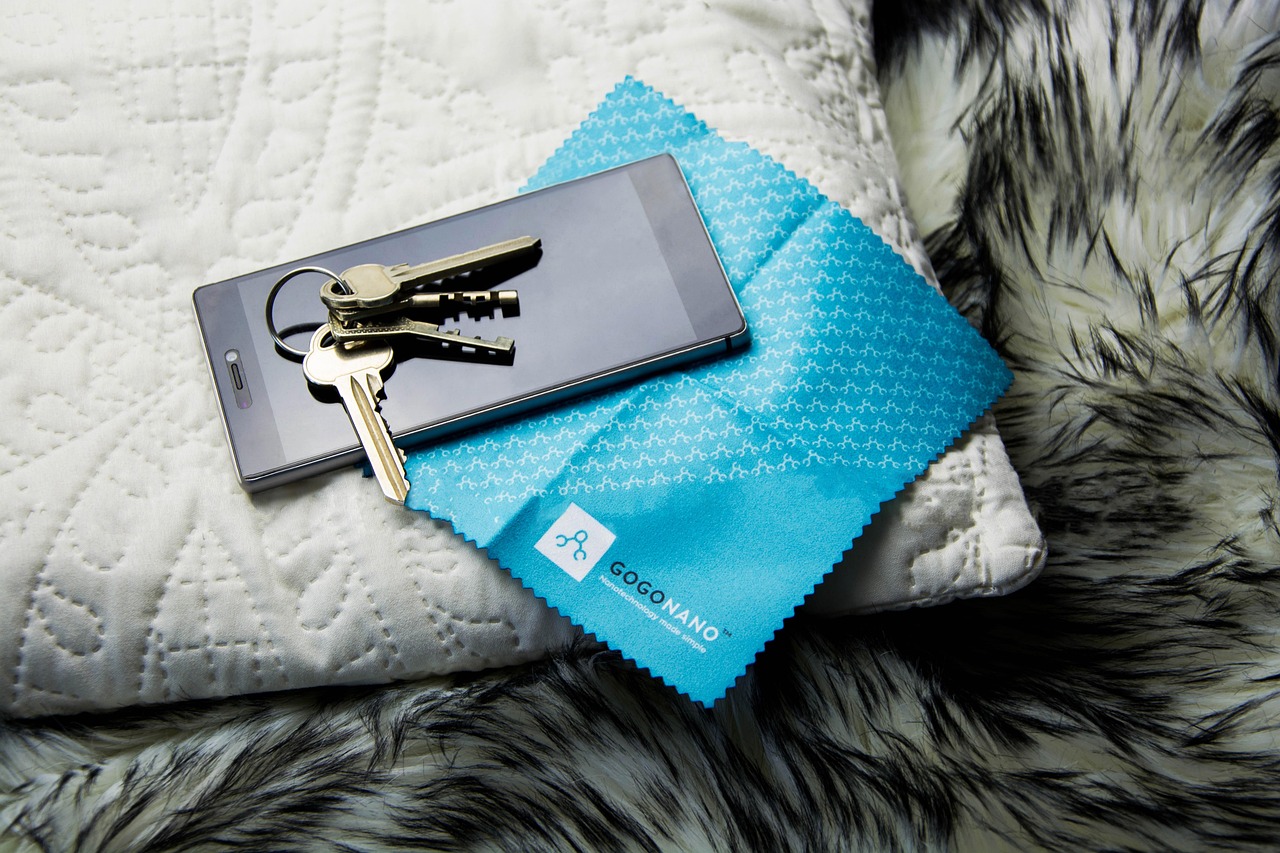
Small Damage Adds Up in Daily Use
A screen often looks clean during the first few weeks. After that, small marks start to show: a fine scratch near the selfie camera, a light line from a zipper, or a dull patch where your thumb scrolls every night. These marks may not break the phone, but they can lower resale value and make a good display feel worn. A protector lets you use the phone in a normal way. You can place it on a café table, slide it into a gym locker, or keep it in a bag without worrying about every tiny contact. Keys still need their own pocket, because no accessory fixes careless storage all the time.
Protection Costs Less Than Most Repairs
The cost gap is simple and worth noting. A decent tempered glass protector often costs less than a casual meal, while a display repair can cost a lot more. iFixit’s iPhone screen repair cost page, updated with Apple out-of-warranty estimates as of March 2026, lists examples such as $329 for an iPhone 15 Pro screen repair and $379 for an iPhone 15 Pro Max through Apple, with cheaper DIY kit options depending on screen type. Even if your phone is not an iPhone, the buying logic is the same: a small accessory can protect a much more expensive part. (ifixit.com)
Which Type of Screen Protector Should You Choose?
Not every protector feels the same in the hand. Some feel smooth like glass, some bend better for curved screens, and some reduce glare but make the display look slightly grainy. The right choice is not always the highest-priced one. It is the one that fits your phone, works with your case, and does not bother you during daily use.
Tempered Glass for Most Phones
Tempered glass is the common choice for good reason. It feels close to the original display, keeps touch response clear in most cases, and may crack before the phone cover glass during some impacts. If your phone has a mostly flat display, this is usually the safer buy. Check for full adhesive, rounded edges, the correct speaker cutout for your model, and case-friendly sizing. A two-pack is practical, not wasteful. Installation can fail, and protectors can break during normal use.
TPU Film for Curved Screens
TPU film is softer and more flexible than glass. It can sit better around curved edges, foldable screens, and watches. It also hides small scuffs fairly well because the material has a little give. The trade-off is the feel. It may drag under your thumb, pick up dents, and look less clean under bright light. If you dislike bubbles and want a glass-like swipe, TPU may not suit you. If your phone has curved edges that keep lifting glass protectors, TPU is often the more workable option.
Privacy and Matte Films for Special Needs
Privacy protectors reduce the viewing angle so people beside you see less of the screen. They can help on trains, planes, in classrooms, and in busy offices. Matte protectors reduce glare and fingerprints, which is useful if you read outside or use a stylus often. The trade-off is screen quality. Privacy glass can make the screen darker, and matte film can make text look softer. On a bright OLED phone, that may be fine. On a cheaper LCD phone that already struggles outdoors, it can feel too dim. Choose these only when the feature matters more than a clear display.
What Specs Actually Matter When You Buy One?
Product pages often carry too many claims. Some details are useful, and some are just packaging text. A screen protector should be judged by fit, feel, clarity, coating, and replacement support. Those small points matter more than a large label printed on the box.
Fit Around Cases and Edges
Case compatibility should be checked first. If a protector reaches too close to the edge, the case can press against it and lift it. If the protector is too small, it can leave a visible border that catches lint. For most phones, a narrow gap between the protector and the case lip is better. If you use a rugged case, buy a protector described as case-friendly. If you use a slim case with almost no raised lip, the protector becomes more important, but drop protection is still not complete.
Clarity and Touch Response
A good protector should not draw attention during normal use. Text should stay sharp, colors should not look cloudy, and taps near the keyboard edges should register without trouble. Thick glass can affect ultrasonic fingerprint readers on some Android phones. If your phone uses an in-display fingerprint sensor, check that the protector supports it and follow the pressure step during setup. After installation, add your fingerprint again. This is a basic step, but it solves many touch and unlock complaints.
Oleophobic Coating and Cleaning
The oleophobic coating is the smooth layer that helps oil wipe off the screen. Apple’s product cleaning guidance says iPad screens have an oleophobic coating that diminishes with normal use, and that abrasive rubbing can reduce the coating further and may scratch the screen. The same care idea applies to most phone displays and protectors. Use a soft lint-free cloth, avoid strong cleaners, and do not scrub the screen like kitchenware. A protector with a weak coating will feel greasy quickly. If it starts smearing after one week, it was not a real saving. (support.apple.com)
Can a Screen Protector Prevent Cracks From Drops?
A protector can help, but it is not a shield against every drop. The result depends on impact angle, surface texture, case lip, phone weight, glass condition, and luck. That may not sound like a clean sales answer, but it is how phone damage works in real use.
Face Down Drops Need Sacrificial Glass
When a phone lands flat on a hard surface, a tempered glass protector can take the first hit. It may crack in a spiderweb pattern while the display below stays safe. That is exactly why it is there. Do not call it a failure if the protector breaks and the real screen survives. Replace it soon, because cracked protector edges can chip, lift, and trap dirt. Small glass flakes are also a nuisance, especially on fabric or bedding.
Corners Still Need a Case
Many broken screens do not start from a clean face-down impact. They start from a corner or edge, where stress travels through the cover glass. A screen protector covers the front surface, not the frame, corners, or back glass. A case with raised lips and shock-absorbing corners is still the other half of the setup. If you can only choose one, match the choice to your risk. Scratch-prone users need a protector. Drop-prone users need a case. Most people are better off using both.
No Public Test Proves a Perfect Success Rate
There is no reliable public dataset that gives one universal percentage for how often screen protectors prevent cracked phone screens across all brands, models, surfaces, and drop angles. A claim like that would need large controlled testing and open methods. What you can use is narrower information: manufacturer lab tests for cover glass, repair price data, and your own habits. If you work around concrete, sand, tools, or children, your risk is higher than someone who keeps a phone at a desk and carries it in a soft sleeve. See also: AI.
How Should You Install and Care for It?
Installation decides whether a good protector feels clean or looks dusty from day one. Take a few quiet minutes and do it on a clean table with good light. Do not rush it in a car, bathroom, or windy balcony, because dust finds a way in fast.
A Dust Free Start
Clean the screen with the included wipe, dry it fully, and use dust stickers before the protector touches the glass. Wash your hands first, because oil from fingers can cause marks and lifting. If the kit includes an alignment frame, use it. If it does not, line up the speaker, camera cutout, and bottom edge before you lower the protector. A steamy bathroom can reduce floating dust, but keep moisture away from phone openings. In most cases, a clean table, good light, and steady hands are enough.
Slow Alignment Before Pressure
Do not press the center until you are sure the protector is straight. Hold it above the screen, align the cutouts and edges, lower it slowly, and then let the adhesive spread. Small bubbles near the edge may clear after a day, but dust bubbles usually stay. If a corner lifts right away, the protector may be off-center, the case may be pushing it, or the screen edge may still have oil. Peel-ups rarely fix themselves with time, so it is better to correct the cause early.
Safe Cleaning Habits
Use a microfiber cloth for daily cleaning. For heavier dirt, lightly dampen the cloth instead of pouring liquid onto the phone. Avoid powders, paper towels, bathroom cleaners, and anything abrasive. If your protector has a privacy layer or matte coating, clean it with a lighter hand because those surfaces can show polish marks. A protector can be replaced, but rough cleaning can wear it out much faster than needed.
When Should You Replace or Skip It?
A screen protector only helps while it stays clear, smooth, and firmly attached. If it is badly cracked or lifting, it can make the phone harder to use and may hide damage under the surface.
Replace It After Cracks or Lifted Edges
Replace a protector when cracks reach the viewing area, edges lift, dust gathers under the adhesive, or touch response gets worse. Also replace it when the coating turns sticky and fingerprints no longer wipe away cleanly. A cracked protector may still look like it is doing something, but part of its strength has already been used. Treat it like a bike helmet after a crash: it may not look fully destroyed, but it is no longer at its best.
Skip It Only With Low Risk Habits
You can skip a protector if you use a low-cost phone, rarely carry it outside, keep it in a folio case, and do not care about resale value. Some users also dislike the edge feel of glass protectors, and that preference is fair. Even so, most modern phones now handle payments, maps, photos, work chats, and two-factor codes. Pew Research Center reported from its 2025 U.S. adult survey that about 91% of Americans owned a smartphone, up from 35% in 2011. When a device is used that much, a thin replaceable layer makes sense for many buyers. (pewresearch.org)
Check Warranty Claims Before You Buy
Some protectors advertise replacement warranties, damage coverage, or money-back claims. Read the terms before you trust the badge on the package. The Federal Trade Commission’s warranty guidance says written warranties for consumer products above certain price thresholds must be available before sale, and it warns against deceptive warranty practices and improper tie-in provisions. For a buyer, the point is simple: if a protector brand promises coverage, check what it covers, what proof it asks for, and whether shipping costs make the claim not worth using. (ftc.gov)
FAQ
Q1: Does a Screen Protector Affect Touch Sensitivity? A: A good tempered glass protector should not affect normal touch use. If it does, check for poor fit, trapped dust, too much thickness, or fingerprint sensor issues. Re-registering fingerprints after installation often helps.
Q2: Is Tempered Glass Better Than Plastic Film? A: For most flat phones, yes. Tempered glass feels smoother, resists common scratches better, and can work as a sacrificial layer during some impacts. Plastic film is better for curved edges, foldables, and users who want a thinner feel.
Q3: Can You Put a New Protector Over an Old One? A: You should not. Stacking protectors can reduce clarity, weaken touch response, trap dust, and interfere with cases. Remove the old one, clean the screen, and then install the new protector.
Q4: Do You Still Need a Case With a Screen Protector? A: Yes, if drop protection matters to you. A protector helps the front glass, while a case protects corners, edges, and the back. Used together, they cover more real-world accidents.
Q5: How Often Should You Replace a Screen Protector? A: Replace it when it cracks, lifts, feels rough, loses its coating, or blocks clear viewing. Careful users may keep one for many months, while heavy users may need a new one much sooner.